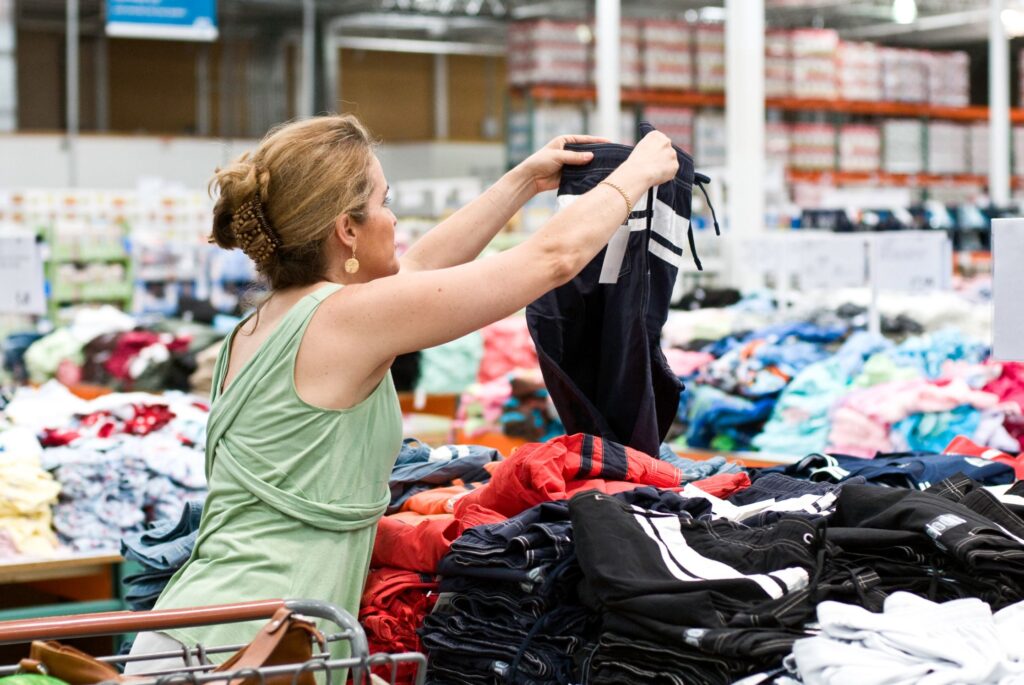
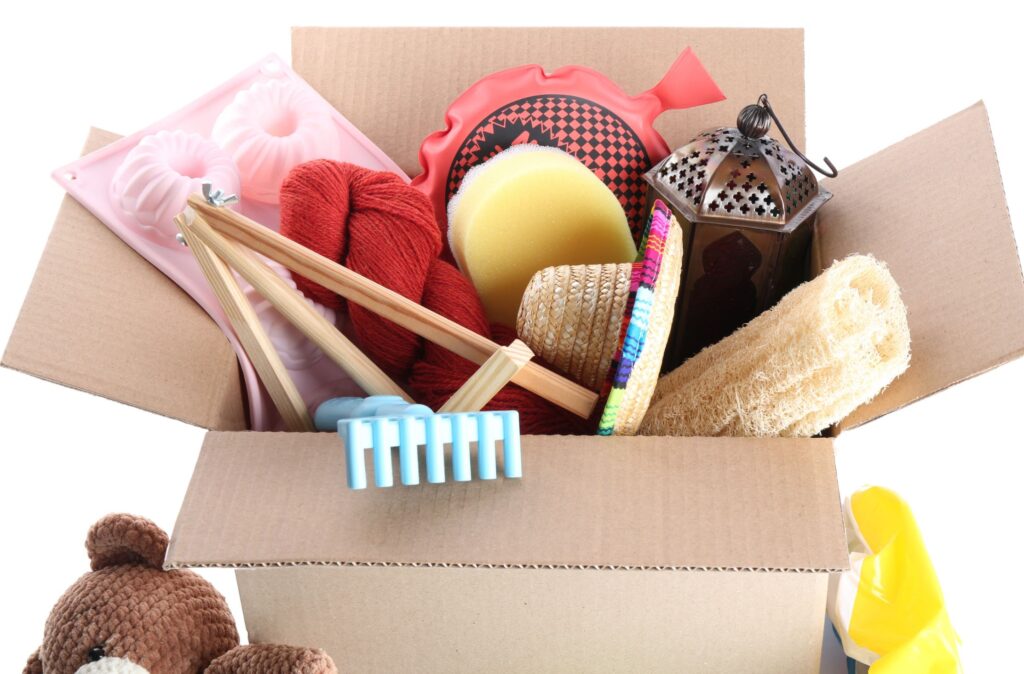
A Saturday trip to the bins ends with a promising denim jacket, two vintage shirts, and a pair of trousers worth cleaning up. By Sunday afternoon, everything has been photographed and measured. The seller still needs to make a few videos that show how the pieces look when worn, without spending the entire evening editing.
For independent thrift resellers, small production decisions can make a noticeable difference. Tools such as AI Song offer a way to create music that matches the character of secondhand clothing videos. Combine that option with a simple filming setup and a repeatable editing routine, and a week’s worth of new inventory becomes much easier to present. You can begin with equipment you probably already own.
Spend Your Time Where Buyers Need It Most
People shopping for secondhand clothing often have practical questions. They want to see how a jacket hangs, whether a fabric is transparent, and what a worn garment actually looks like in daylight. A short video can answer several of those questions at once.
Set up a filming area near a window with an uncluttered background. A phone, a sturdy support, and a clean wall are enough for many clothing demonstrations. Film the whole garment before recording close views of pockets, stitching, labels, and any flaws. When possible, show the fabric moving naturally.
Use your time to prepare the actual item. Removing lint, checking measurements, and steaming suitable fabrics will help buyers understand what they are considering. Keep these tasks separate from more decorative video editing. An efficient routine leaves room for both product accuracy and an attractive presentation.
Three Ways to Film a Bag of New Finds
1. Make a quick thrift haul preview
A haul preview lets followers see what you have found before every item reaches your shop. Lay out five or six pieces, then record a short introduction to each one. Group items by color, season, or style if that creates an appealing sequence.
For a collection of vintage sportswear, a relaxed rhythmic instrumental can complement the colors and silhouettes. Put sizes and relevant condition notes on screen when you already know them. This helps interested viewers decide which upcoming listings they want to check.
2. Show one garment in several outfits
A plain cardigan can look different when paired with loose jeans, a patterned skirt, or tailored trousers. Film each combination from the same camera position so the changes are easy to compare.
Keep the transitions simple. You could step out of the frame between outfits or cut between clips when your hands reach the same position. The music can provide a consistent beat for those edits. Include a final view of the garment by itself so viewers know exactly which piece is for sale.
3. Record a cleaning or repair update
Some thrifted items need attention before they are ready to list. A seller might replace a missing button, remove surface lint, or carefully wash a suitable garment according to its care label.
Show the starting condition and explain the work you performed. Film the completed result in similar lighting to the original clip. An understated soundtrack suits this kind of video because viewers can concentrate on the changes. Keep any remaining defects visible and describe repairs accurately in the listing.
Build a Music Collection Around Your Inventory
A seller who films several times a week can benefit from having a few tracks ready to use. Think about the types of clothes that regularly appear in your shop. Perhaps you specialize in retro denim, colorful sportswear, or understated everyday basics.
With the AI Music Generator, you can describe the musical qualities that fit those collections and generate instrumental options. For retro denim, try a warm guitar groove with simple drums and an easygoing rhythm. For colorful sportswear, explore crisp percussion, a bouncy bass line, and a more upbeat tempo.
Choose tracks with sections that work well underneath short product demonstrations. Save them in clearly named folders on your editing device. Review the music usage terms for your account and intended publishing platform, especially when your videos promote items for sale.
Having a small collection ready also helps when you receive inventory from different sources. You can select a suitable musical direction while sorting the clothes and then concentrate on filming once everything is prepared.

Compare the Work Involved in Different Video Approaches
A reseller can decide how much production each item deserves. A particularly unusual jacket might justify a dedicated styling video, while several ordinary shirts could appear together in a quick preview. The following comparison focuses on the tasks involved rather than estimated costs or guaranteed time savings.
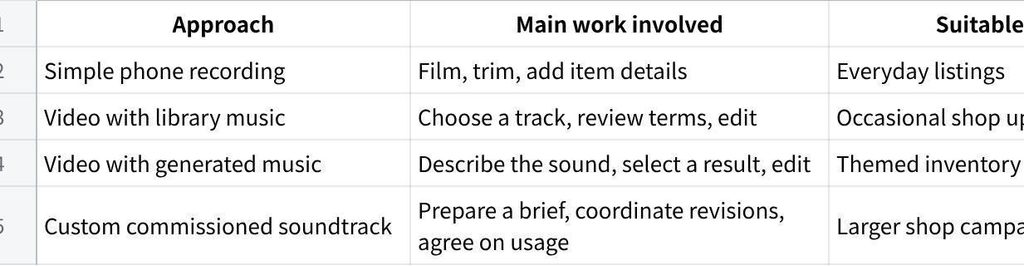
点击图片可查看完整电子表格
A recurring seller may use several of these approaches during the same month. Consider your expected return from the inventory and how often you can reuse the production work. A soundtrack that fits several upcoming clothing videos can be a practical addition to your editing resources.
Turn One Afternoon of Filming Into Several Useful Posts
The key is to organize footage by item before you start editing. Record a full view, a detail shot, a movement shot, and any relevant condition footage for each garment. Keep each set together on your phone or computer.
1. Prepare the individual listing clips
Select the clearest footage for each item. Buyers should be able to identify the product and understand its condition without relying on a caption from another post. Export these straightforward clips first.
2. Assemble a collection preview
Reuse suitable shots to create a video showing several recently acquired pieces. Add a brief title explaining when the items will become available. This gives followers a reason to revisit your shop and look for specific garments.
3. Save a few styling clips for later
Hold back some outfit footage for future posts. A seller could share a denim styling idea on Wednesday and a weekend outfit combination on Friday. Using existing clips reduces the need to set up the camera again. Keep the product availability information current when publishing these videos.
Keep Track of Which Videos Are Worth Repeating
After posting for several weeks, review which formats lead to relevant questions, shop visits, or sales when those details are available. A simple try-on video may answer buyers’ questions more effectively than a heavily edited montage.
Write down how much effort each format requires and what footage you can reuse. These notes can guide your next filming session. As your inventory changes, adapt the presentation to the garments and the customers who are most likely to wear them.
Conclusion
Presenting secondhand clothing through video can fit comfortably into an independent seller’s weekly routine. Start with clean garments, clear lighting, and footage that shows the information buyers need. Give haul previews, outfit demonstrations, and repair updates their own simple formats. A small music collection and an organized folder of footage can help you prepare additional posts without repeating the same setup every evening. Pay attention to the videos that encourage useful questions and visits to your listings. For your next trip to the bins, choose a few pieces that would look good together on camera and try making a short collection preview when you return home.